To begin with, I don't consider myself to have reached an advanced level in graphic design, even though I've been working in it professionally since 2006; its fields, tools and dimensions keep expanding day by day.
Because demand for it is so high — it now touches every part of modern life and offers huge job opportunities — and because of the large number of questions I receive, I decided to share five tips, or key points, that I believe are essential for anyone entering this beautiful world.
Tip one: choose the right fonts
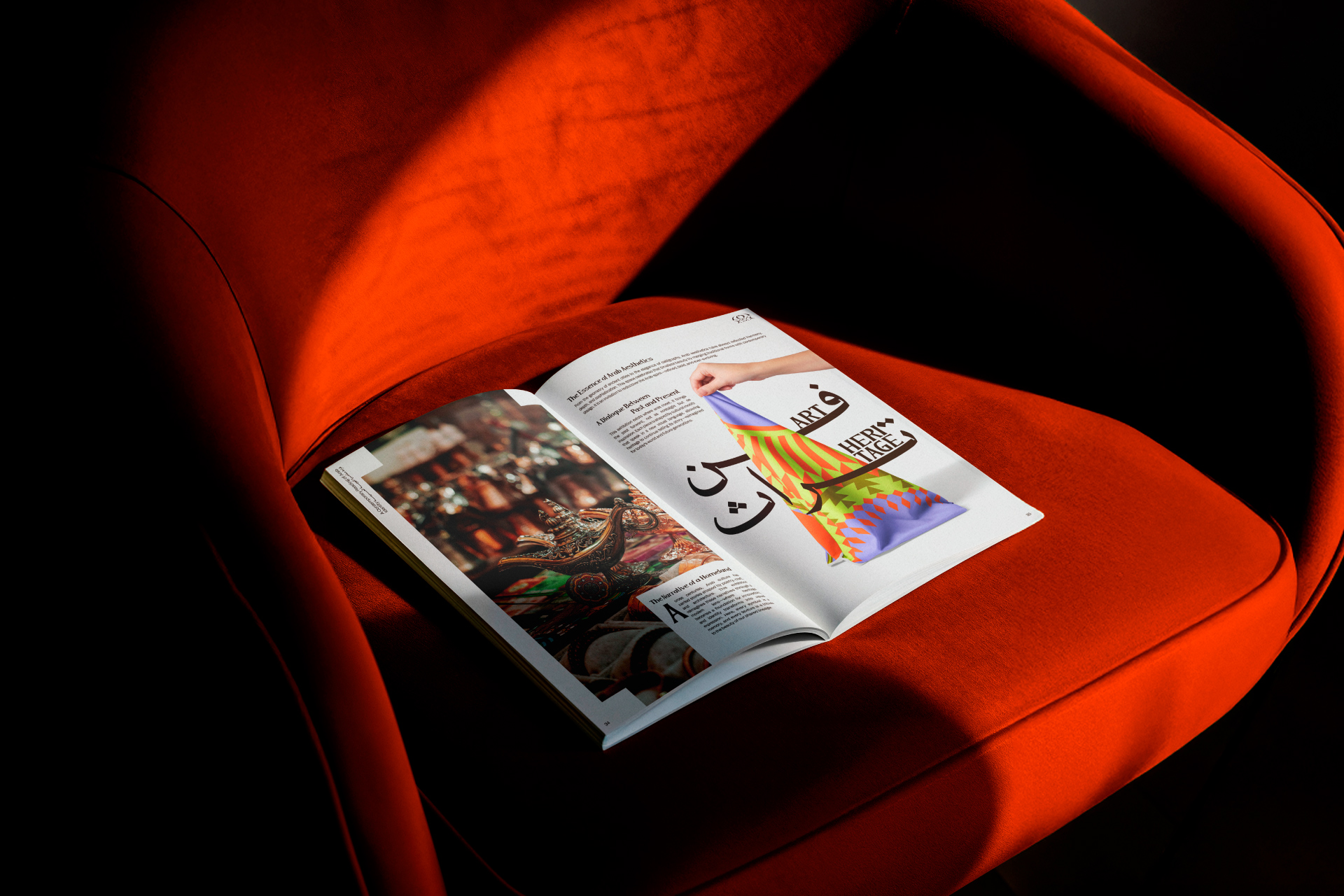
Only rarely rely on the default fonts that come with your operating system. There are huge font libraries available online, for both Arabic and Latin scripts. Design depends on several things, and fonts are fundamental to giving your design life and impact.
Tip two: combining fonts in your design
Use two typefaces at most in your design, but feel free to vary the weights of a single typeface, the letter spacing and the font sizes. This adds beauty to your design. Also control the size of the text that carries your goal or message, the part you want the reader's eye to land on.
It should be bold, and placed in the centre or in a spacious area where nothing draws the viewer's eye away from it.
How you place text on an image is an important element, so check carefully how a sentence is broken across several lines and positioned, so that people can read it comfortably.
Tip three: colour choice is the most important element of design
Look carefully at nature around you and you'll find a distinctive harmony in its colour gradients. You won't find blue on a red background, for example; that simply doesn't happen. Many websites can help you choose harmonious colours, letting you set the main colour that covers most of the space, the accent colour for your goal, and then the secondary colours.
Personally, I try as far as possible not to use more than five colours, and I prefer three or fewer if I can, playing with their shades and intensity. The more harmonious the colours, the more beautiful and attractive your work will look. One piece of advice I'll give you: don't hesitate to study this area. Colours and their psychological effect — what each one aims to convey, and which are liked or disliked — are the secret that makes your work win people over at first glance.
Tip four: images, their size and cropping
What sets a design apart is the resolution of its images, and there are many websites offering free, very high-resolution images that you can use in your designs, commercially or otherwise.
Also, whenever you resize an image, always keep its width and height proportions. Never squash the dimensions; it distorts the image's natural geometry.
Tip five: learn, practise and keep up
The world of graphic design evolves day by day, and the internet has given us a golden opportunity to develop our skills daily. A quick search engine query will turn up plenty of websites offering design lessons. Social media platforms such as Facebook host thousands of groups for designers sharing tips, resources and tutorials. And then there's YouTube, my favourite platform for learning in this field: I learned from it and I still learn from it every day.
You need a sense of curiosity about learning, and the best way to learn is to practise by imitation.
It's rare to be able to copy someone's design completely, as everyone has their own distinctive signature.
Look at a design you admire, study it and then recreate it. This way you practise with the tools used to build it, and with how fonts are combined and colours coordinated.
Then keep up, keep up and keep up. There is something new in the world of graphic design every day, and the design community shares tools and expertise for free; it is never stingy with information. You can also ask me at any time about anything you're unsure of, and I'll gladly help.
Finally, here is a link to an index compiled by the designer Muhammad Nour. It contains everything you need to start your journey, from learning channels to font and image websites: everything you might find hard to search for, all in one place, at this link:
That was the first part of these tips. See you soon in a new article.